Your WordPress site might be attracting a lot of traffic, but is it converting? Many business owners I talk to face the same issue: visitors keep coming, but sales and sign-ups aren’t increasing.
I’ve encountered this problem myself and quickly realized that traffic is just half the battle. The real challenge is converting those visitors into customers, subscribers, or leads.
Over time, I’ve tested various strategies on my websites. Small changes, like tweaking a button or headline, sometimes made a big difference. Other times, a complete redesign was necessary to significantly boost conversions.
Through these tests, I’ve learned what works, what doesn’t, and how to build on each success.
In this guide, I’ll share conversion rate optimization strategies that consistently work, along with practical steps you can implement today.
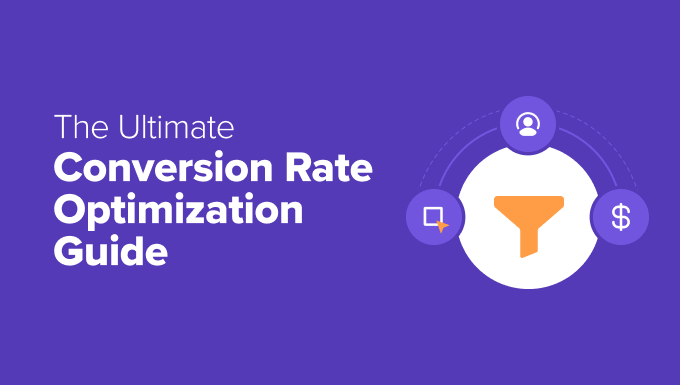
What Is Conversion Rate Optimization?
Conversion Rate Optimization (CRO) involves enhancing your website so more visitors complete a desired action, or “conversion,” such as making a purchase, signing up for your email newsletter, or filling out a form.
Your conversion rate is the percentage of visitors taking that action. To find it, divide the number of conversions by the total number of visitors, then multiply by 100.
For example, if 50 people make a purchase out of 1,000 visitors, your conversion rate is 5%.
CRO involves ongoing improvements based on real user behavior, feedback, and testing. To measure progress, track these common metrics:
| Metric (GA4) | What It Means | Why It Matters |
| Conversion Rate | The percentage of visitors who complete a goal, like making a purchase or signing up | It’s the main way to measure CRO success |
| Engagement Rate | The percentage of sessions where users actively engage (lasting 10+ seconds, triggering a conversion event, or viewing 2+ pages) | Shows if visitors are paying attention |
| Event Completions | The number of specific actions, like form submissions, video plays, or downloads | Helps track
Similar Posts
|